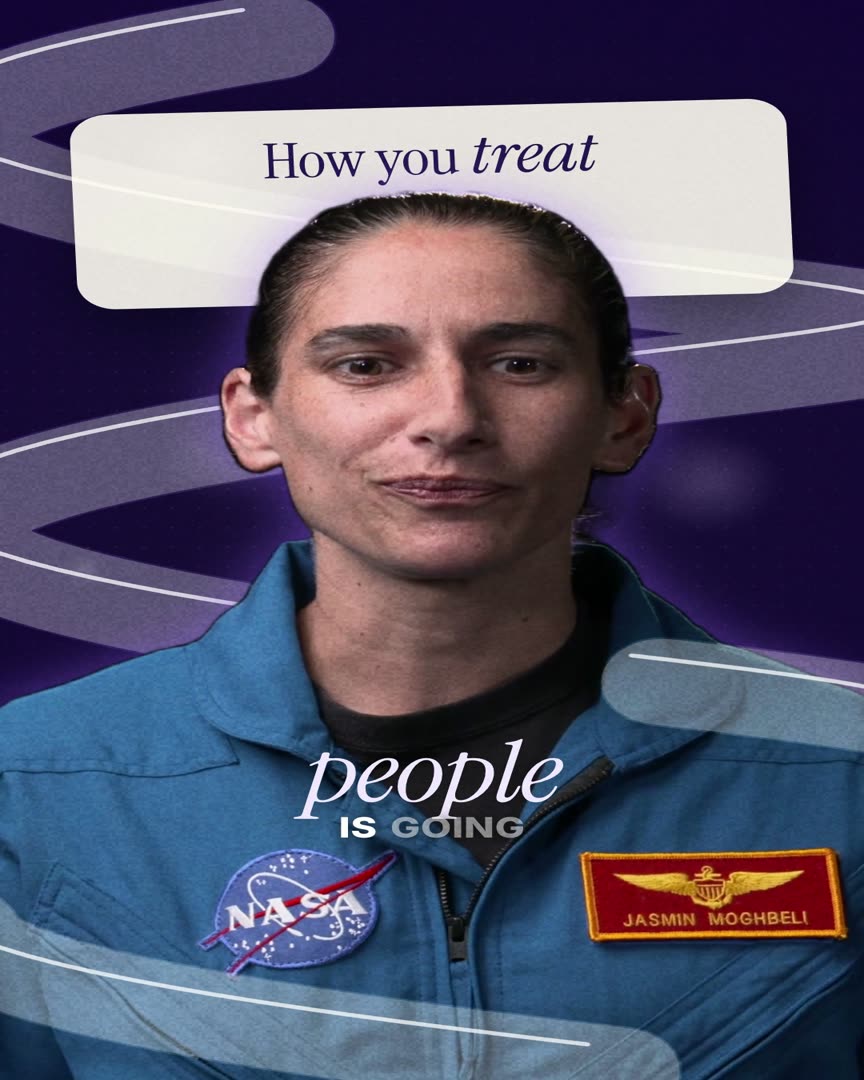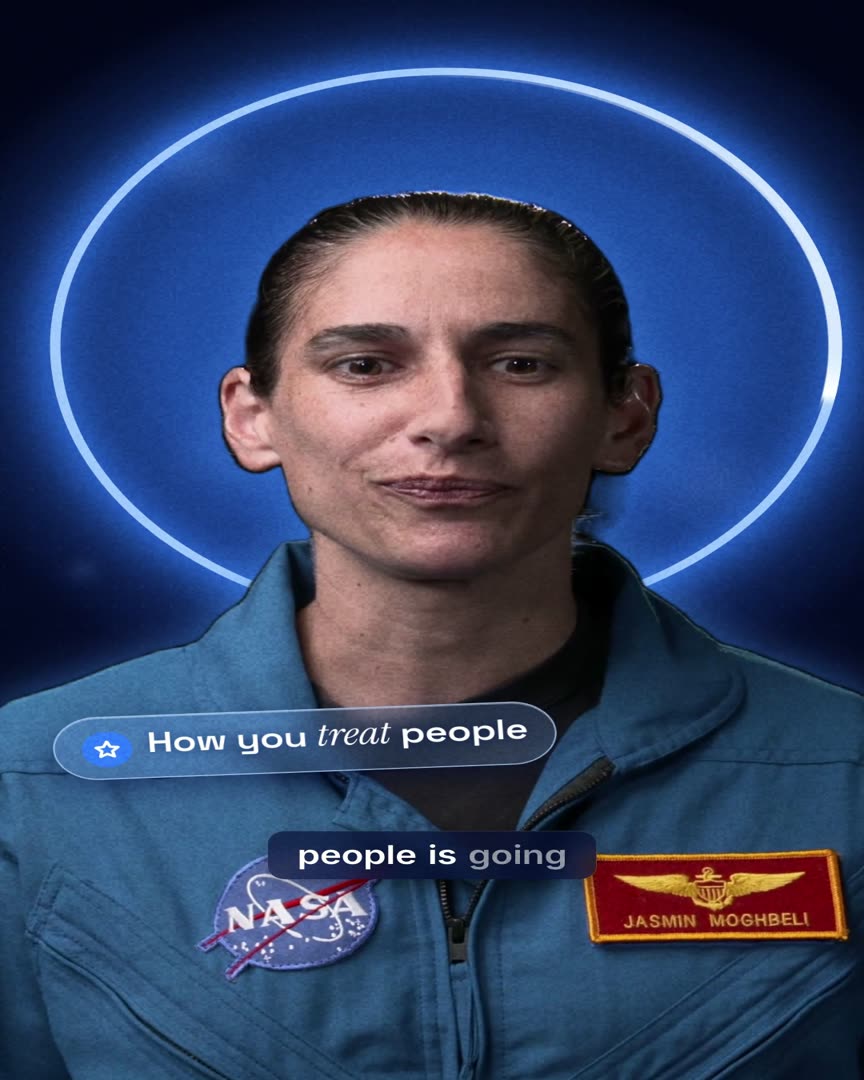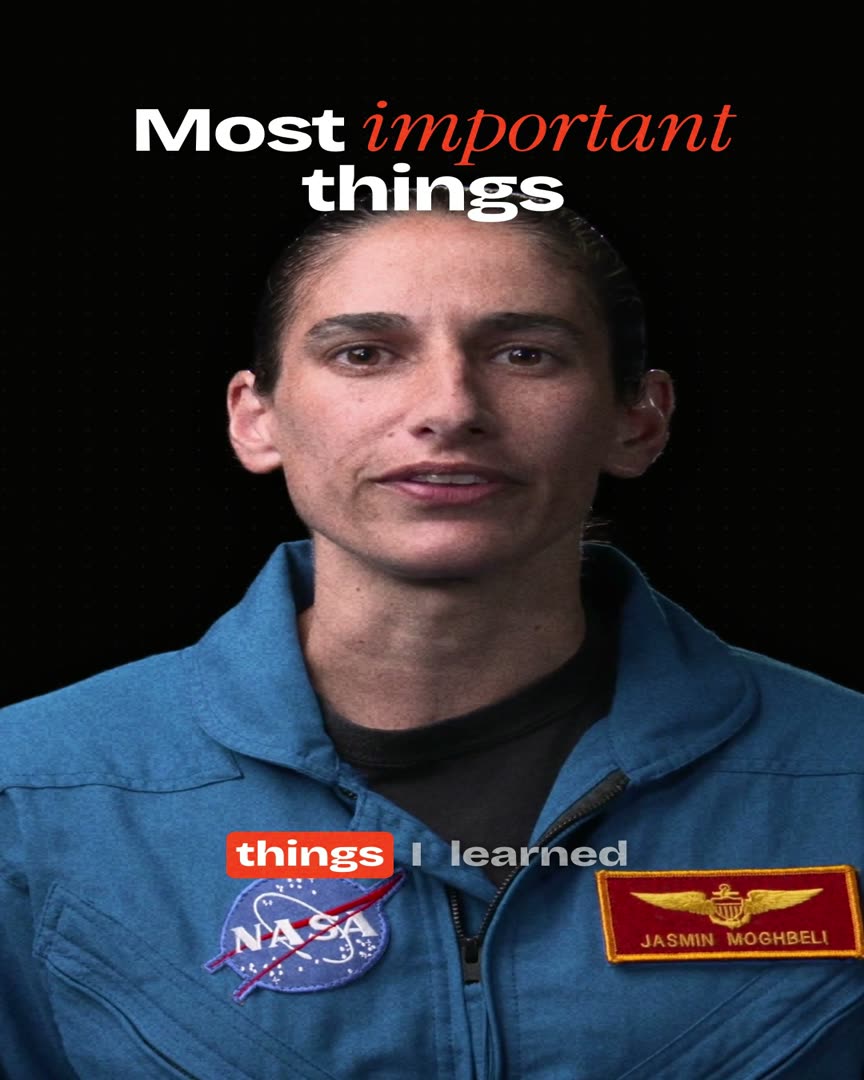
A full episode master and social clips from one recording, with Python and ffmpeg only.
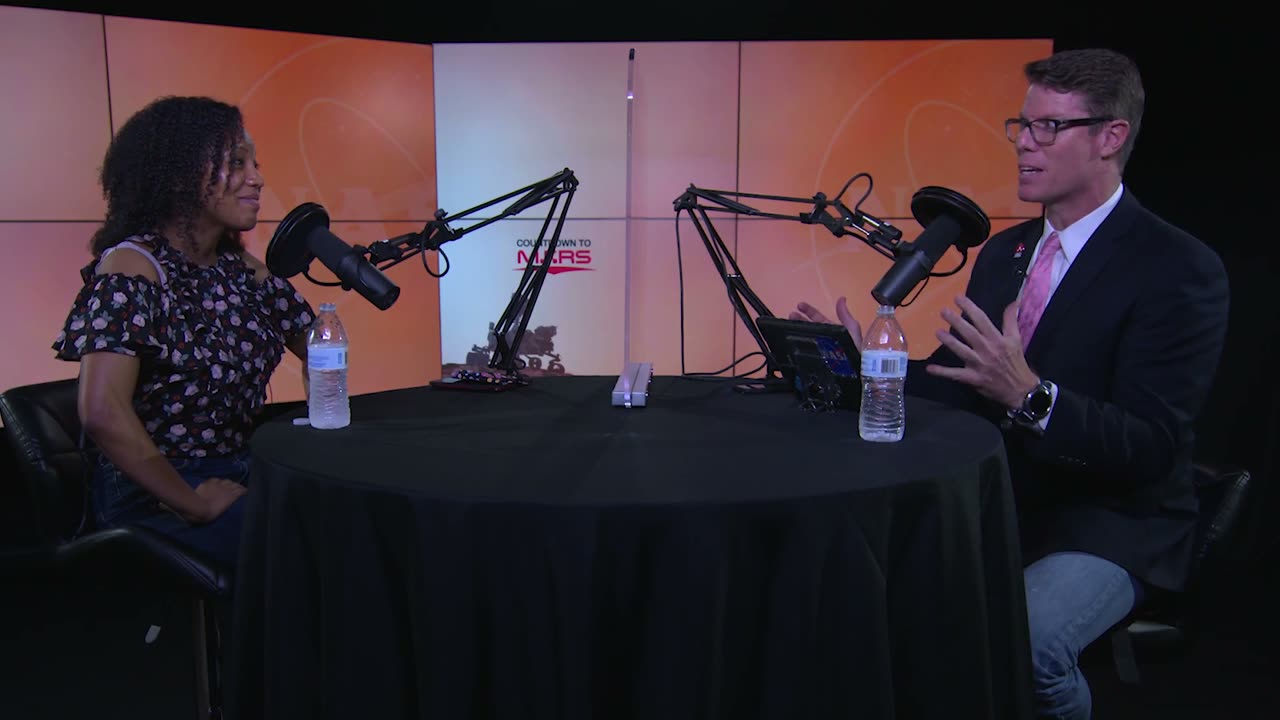 Made with this skill
A real clip this kit picked out and exported in the wide format, with its speech clean-up and loudness levelling. This one has no burned-in captions; see the FAQ.
Demo footage: NASA’s Rocket Ranch podcast with Moogega Cooper (public domain). NASA does not endorse these kits.
Overview
For whole episodes. Claude inspects the recording, suggests highlight moments from a timed transcript for you to approve, renders the approved clips as vertical, square or wide MP4s with caption files and thumbnails, and exports a full-length master with speech EQ, compression and loudness normalisation. Vertical clips keep the whole frame on a blurred background. Optional pause analysis and removal is off unless you ask for it.
Example
Input
One video podcast recording
Output
A finished MP4 + SRT
Process
A video podcast file, and a timed transcript if you have one.
Claude proposes highlight moments; nothing renders until you approve them.
A full-episode master, clips in the shapes you chose, caption files and thumbnails.
The download
You are buying skill files, not videos. The download is a folder Claude Code reads. The videos are what you make with it, and they are yours.
The workflow Claude Code follows, with an approval step before anything is rendered.
One Python script that drives ffmpeg: inspect, transcribe, plan, render, silence, episode.
How to choose clips without changing what a speaker meant, plus a quality checklist.
A sample transcript, an approved plan and ready prompts.
A smoke test that checks your ffmpeg setup end to end.
Setup
# Unzip the download into your Claude Code skills folder.
$ unzip ~/Downloads/podcast-editor-pro-skill.zip -d ~/.claude/skills/
# Check ffmpeg and see whether captions can be burned in.
$ python3 ~/.claude/skills/podcast-editor-pro/scripts/podcast_editor.py doctor
# Restart Claude Code, then ask for the skill by name.
$ claude
There are no packages to install. Burned-in captions need an ffmpeg build with libass; automatic transcription is optional and needs faster-whisper.
Technical
Not tested with other agents or editors, so we make no claim about them.
Licence
Full terms, including refunds: Licence, refunds & terms.
FAQ
A folder of skill files: instructions for Claude Code, a Python script that drives ffmpeg, an editorial playbook and examples. You do not download videos. The videos are what you make with it, from your own recordings.
Only if your ffmpeg build includes the subtitles (libass) filter. The kit checks this for you. Without it, you still get an editable SRT caption file for every clip. For word-by-word animated captions, see Subline or Clipper.
It can use a timed transcript you already have (SRT or Whisper JSON). Automatic transcription is optional and needs the faster-whisper package; that path has not been tested by us. For the demo on this page we gave it a timed Whisper-style transcript made with another tool, and it planned, cut and exported the clip from that.
Podcast Editor Pro handles the whole episode: a full-length master with cleaned-up audio, plus clips in three shapes that keep the entire frame on a blurred background. Clipper makes vertical shorts only, crops in on the speaker's face and adds a hook headline and animated captions.
It needs only Python and ffmpeg, which exist on other systems, but it was tested on macOS.