Sixteen premium motion effects in your colours and words.
 Made with this skill
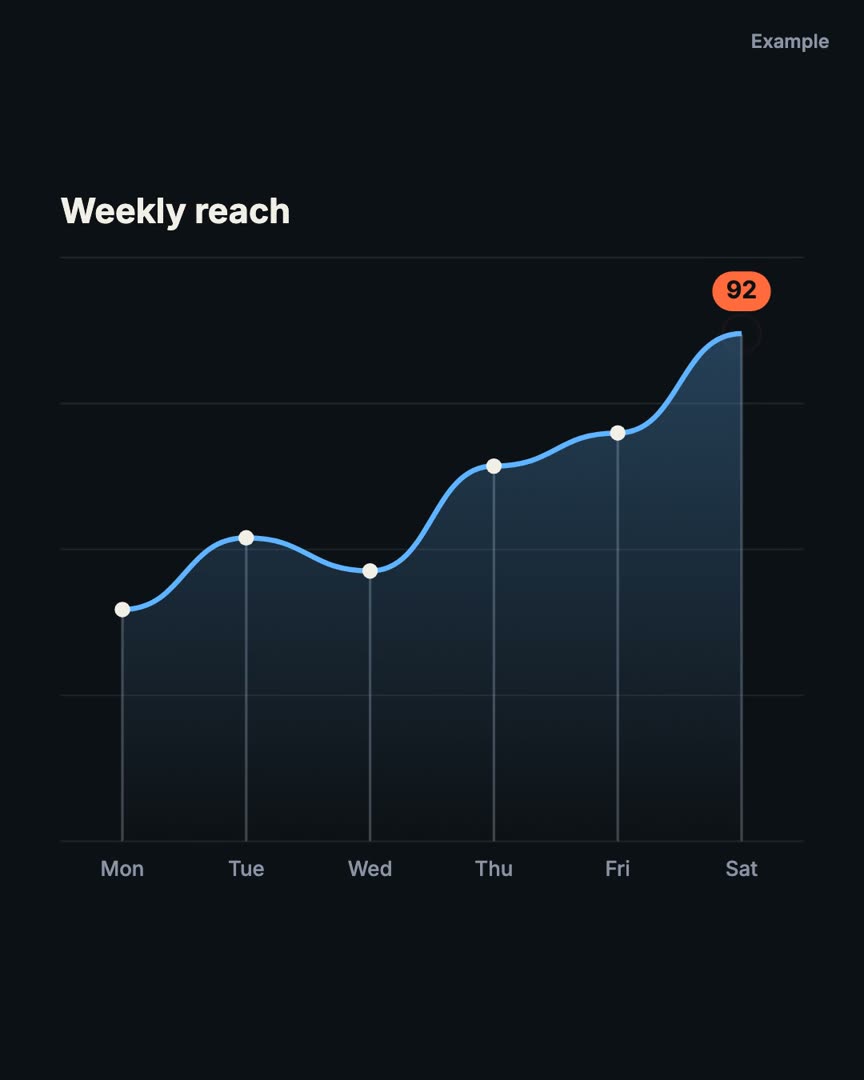
Four of the sixteen effects, rendered by this kit and cut together: chart morph, button to player, masked type and particle logo. The figures and words are samples.
Overview
Sixteen effects where one object turns into another: a button grows into a video player, a card opens into a workspace, bars become a line, a KPI tile lifts out of a dashboard, cards spring apart, a dock swells under a cursor, artwork rises through a word, letters stretch on one baseline, a headline reflows into a page, layers pull apart in depth, a lens sharpens one line of a report, and dots assemble into your logo, among others. Each runs on an 8-second clock and loops with no visible seam, or plays once and holds under a voiceover. Sample figures carry an “Example” label on every frame until you put in real ones.
Example
Input
Your words, numbers or logo
Output
A finished MP4 + GIF, 8s loop
Process
A number, a line and some names, your words for an effect, or a cover image.
Claude fills in the settings and shows you stills at the key moments first.
An MP4, and a GIF where it fits, with the loop measured.
The download
You are buying skill files, not videos. The download is a folder Claude Code reads. The videos are what you make with it, and they are yours.
The questions Claude asks, the rules it follows (real numbers only, samples labelled) and the checks it runs before showing you anything.
The effect, written in code, that draws any frame from the time alone, with a settings file for your words, colours and size.
Renders the page frame by frame to MP4 or GIF with ffmpeg, and measures the loop seam and how much the picture moves.
Install steps and the commands, in order.
Setup
# Unzip the download into your Claude Code skills folder.
$ unzip ~/Downloads/motion-effects-skill.zip -d ~/.claude/skills/
# Install its dependencies. This runs once.
$ cd ~/.claude/skills/motion-effects && npm install
# Restart Claude Code, then ask for the skill by name.
$ claude
The first run downloads its dependencies.
Technical
Not tested with other agents or editors, so we make no claim about them.
Licence
Full terms, including refunds: Licence, refunds & terms.
FAQ
A folder of skill files: instructions for Claude Code, a tested page that draws the effect in code, its settings file and an exporter that renders it frame by frame. You do not download videos. The videos are what you make with it, from your own words, numbers or images.
The page can draw any moment from the time alone, so the exporter steps through every frame in Chrome and nothing depends on how fast your computer is. It also lets the kit measure the loop: on our renders the first and last frames of a loop matched pixel for pixel.
No. The skills tell Claude to use only your real, sourced numbers, to label samples on screen, and to use logos only from files you supply and have the right to use.
Title Sequence 3D comes with a score written in code. Milestone Reveal, Motion Effects and Loop Cover are silent, which suits posts and inboxes; add your own audio if you want it.
On macOS, installed fresh from each kit's zip: every page was rendered to stills and to a finished MP4 (and a GIF for Loop Cover), and the loop seams were measured; the first and last frames of the Milestone Reveal loop matched pixel for pixel. All sixteen Motion Effects loop pixel for pixel; it was also checked at square, portrait, vertical and wide sizes and in hold mode. Title Sequence 3D renders about 10 seconds of 1080p in three minutes; its sound was measured, not listened to. Not tested by us: Windows, Linux, and use inside a buyer's own Claude Code session.