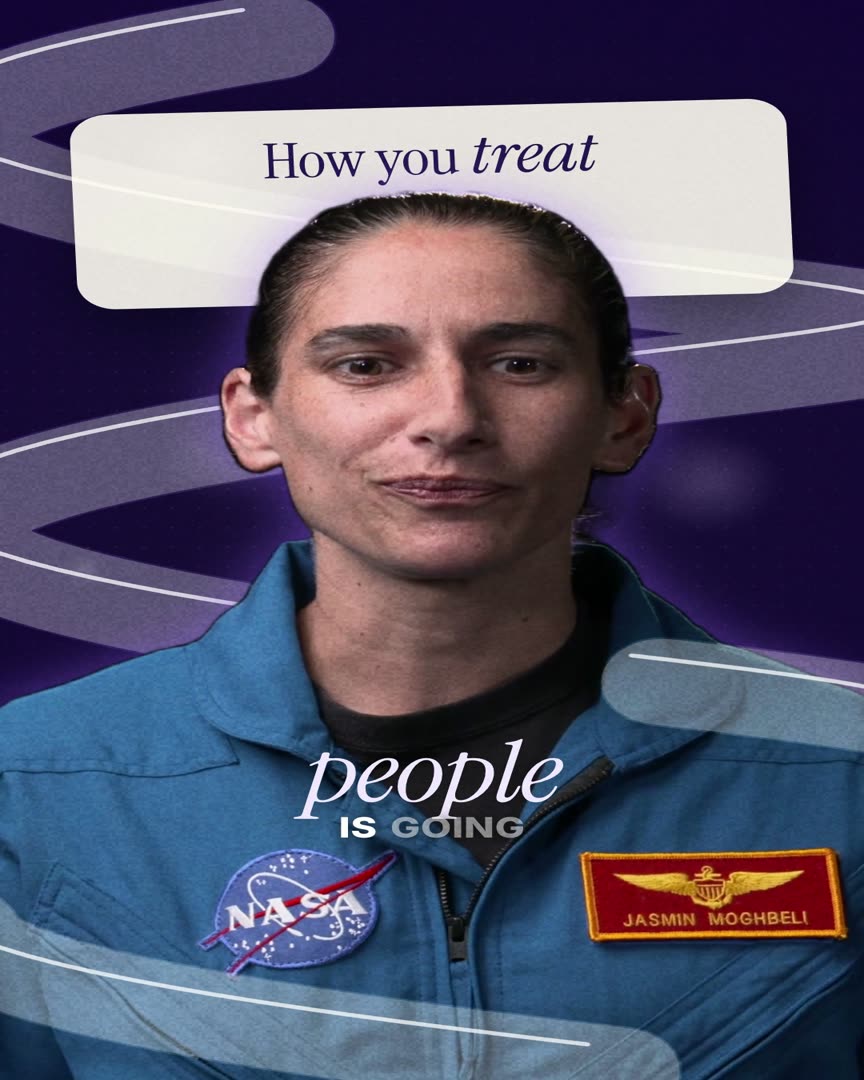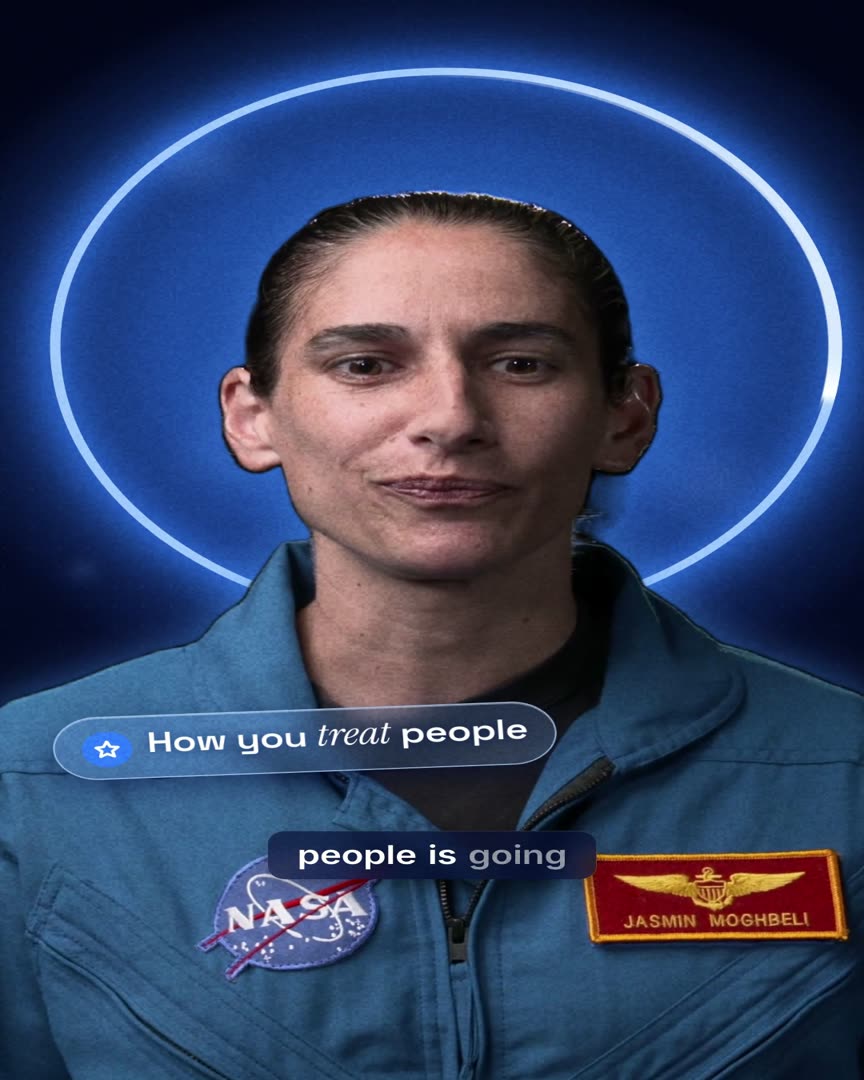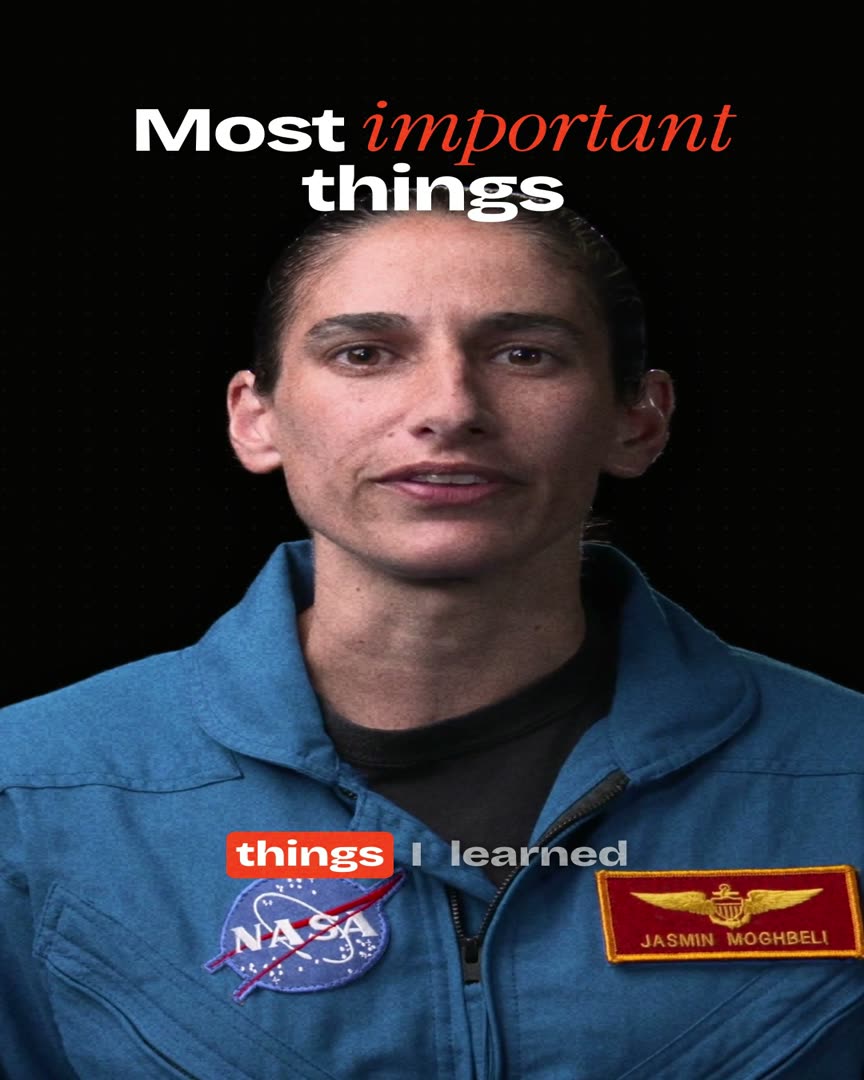
Retro poster edits: a new printed backdrop on every phrase, film grain and grade.
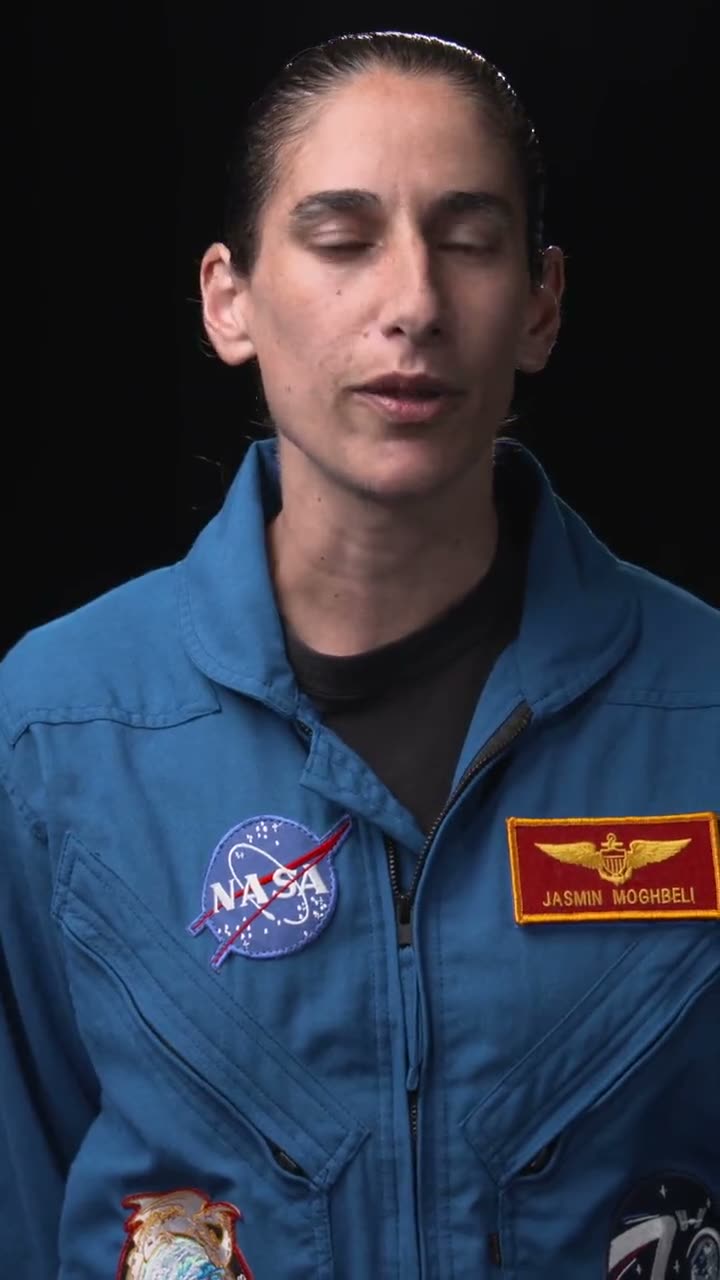 Before · raw clip
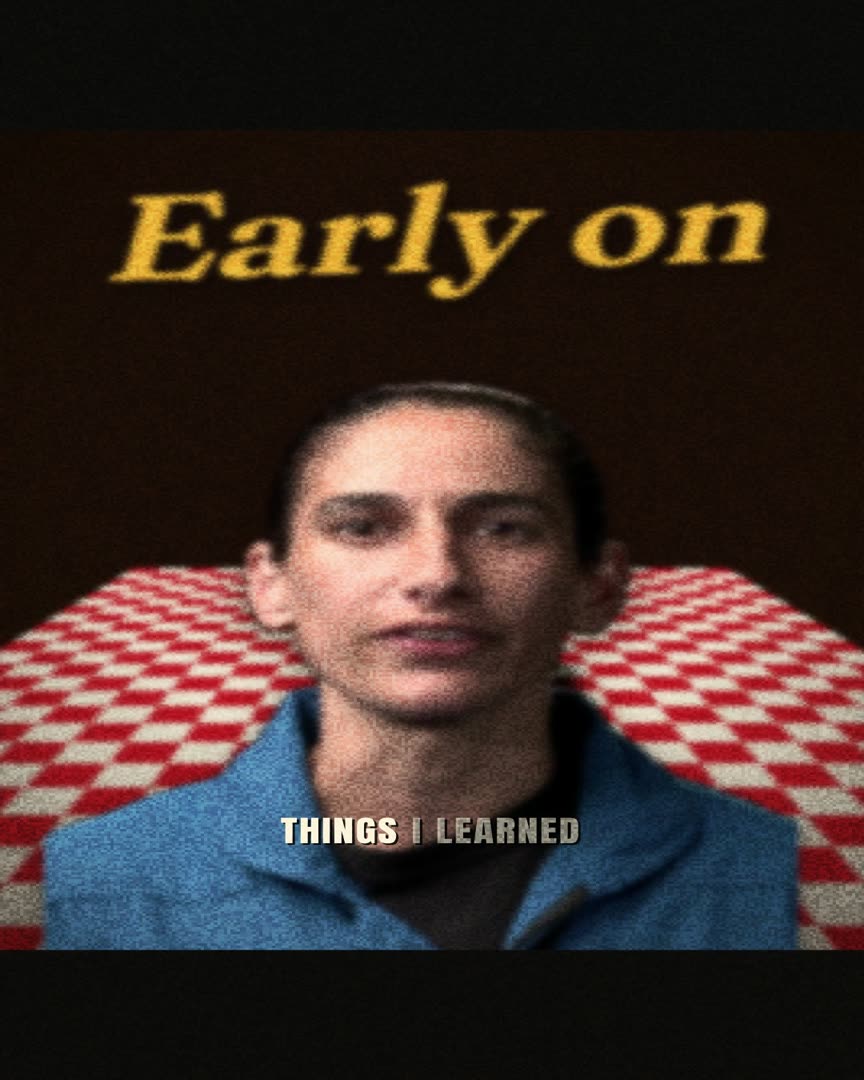 After · edited
Demo footage: NASA astronaut interview (public domain). NASA does not endorse these kits.
Left: the raw clip that went in. Right: what this skill rendered from it.
Demo footage: NASA astronaut interview (public domain). NASA does not endorse these kits.
Overview
A 1970s-80s poster collage. Claude cuts you out and sets you against a bold printed backdrop that changes on every phrase (sunburst, checkerboard, target rings, spotlight, halftone, stripes), stamps a condensed poster headline above your head, and finishes it with a warm film grade, heavy grain, gate weave and flicker in an academy frame.
Example
Input
One talking-head clip
Output
A finished MP4, 10–45s
Process
One talking-head clip and a sentence about the video.
Claude shows a still of every scene before it renders a frame.
Frames are checked for text on the face and safe zones before export.
The download
You are buying skill files, not videos. The download is a folder Claude Code reads. The videos are what you make with it, and they are yours.
Step-by-step instructions Claude Code follows, with every value written down.
Transcription, the Apple Vision cut-out, and a Chrome renderer assembled with ffmpeg.
Ready prompts and a brief template that tells Claude what it needs.
Pops, swooshes and camera shakes placed by rule on cuts and key words.
Install, an example plan, and finishing in Premiere, Resolve, Final Cut, CapCut or After Effects.
Setup
# Unzip the download into your Claude Code skills folder.
$ unzip ~/Downloads/matinee-skill.zip -d ~/.claude/skills/
# Install its dependencies. This runs once.
$ cd ~/.claude/skills/matinee && npm install
# Restart Claude Code, then ask for the skill by name.
$ claude
The first run downloads what it needs (dependencies, a speech model of about 150 MB) and builds a small Apple Vision tool, which needs Apple's command line tools: xcode-select --install
Technical
Not tested with other agents or editors, so we make no claim about them.
Licence
Full terms, including refunds: Licence, refunds & terms.
FAQ
A folder of skill files: instructions for Claude Code, the render engine, a prompt pack and guides. You do not download videos. The videos are what you make with it, from your own clips.
One person talking to camera, vertical, with clear speech and no burned-in captions or music. Horizontal clips are centre-cropped.
No. The cut-out step uses Apple Vision, so these four edits need a Mac on macOS 13 or newer.
Transcription is done with Whisper, which supports many languages. It has been run on English footage; other languages are untested.