
A brief and a logo in. An editable branded PowerPoint and a slide video out.
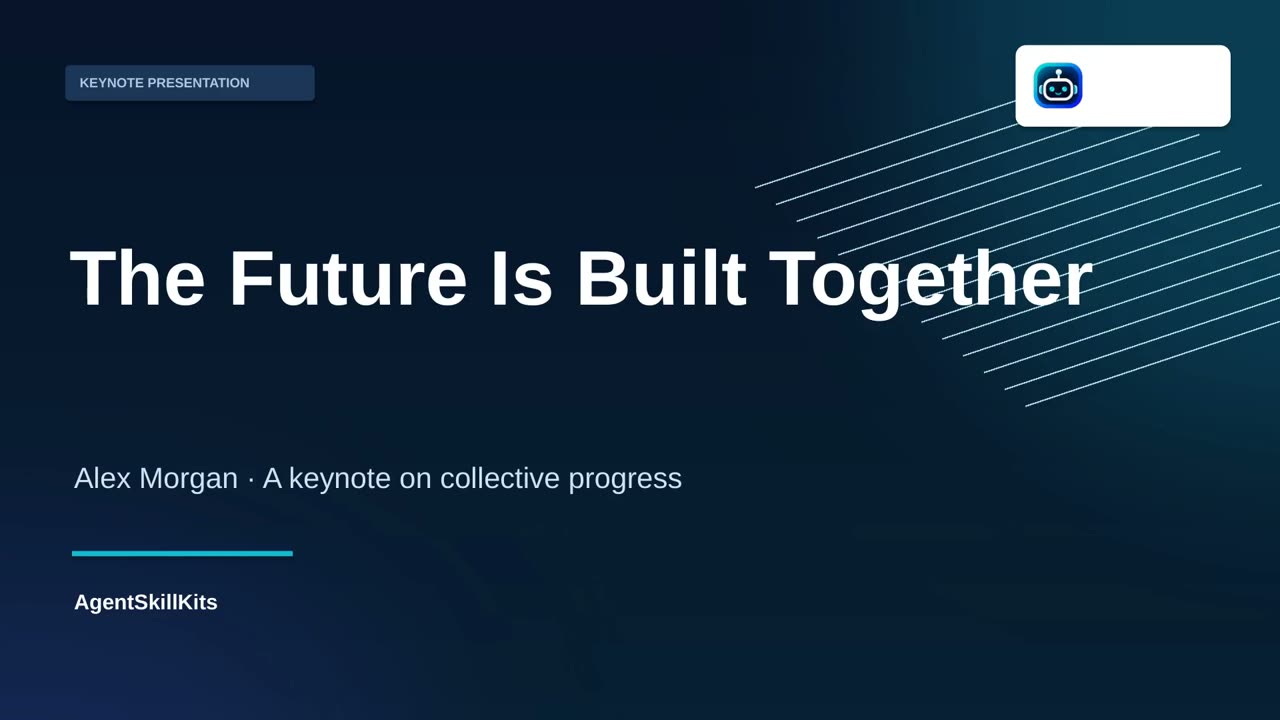 Made with this skill
A real slide video from this kit's sample brief, themed from our own logo. The speaker and talk are fictional.
Overview
Claude interviews you about the speaker, audience, talk length and goal, proposes a colour theme taken from your logo for you to approve, plans the story, and builds an editable 16:9 PowerPoint with speaker notes from 14 slide layouts: covers, frameworks, timelines, quotes, comparisons, metrics and closings. It can then turn the deck into an MP4 with cross-fades and an optional audio track. The MP4 is a slide video: it does not animate individual objects or sync speech to slides.
Example
Input
A speaker brief and a logo
Output
A deck and a slide video
Process
Give Claude your logo and answer a few questions about the speaker, audience and talk.
Claude shows the colours it took from your logo and the storyline before building.
An editable PowerPoint with speaker notes, and an MP4 slide video if you want one.
The download
You are buying skill files, not videos. The download is a folder Claude Code reads. The videos are what you make with it, and they are yours.
The interview, the story method and the approval steps Claude Code follows before it builds anything.
One Python script: brief intake, theme from your logo, PowerPoint build, and MP4 render.
How to run the intake and shape the story, and what each of the 14 layouts is for.
A complete 14-slide example (fictional speaker and company) to start from.
Install steps and the commands, in order.
Setup
# Unzip the download into your Claude Code skills folder.
$ unzip ~/Downloads/keynote-brand-motion-skill.zip -d ~/.claude/skills/
# Install the three Python packages it uses.
$ pip install -r ~/.claude/skills/keynote-brand-motion/requirements.txt
# Check what is installed. LibreOffice and ffmpeg are only needed for the MP4.
$ python3 ~/.claude/skills/keynote-brand-motion/scripts/keynote.py doctor
# Restart Claude Code, then ask for the skill by name.
$ claude
The PowerPoint build needs only Python and its three packages. The MP4 needs LibreOffice and ffmpeg as well.
Technical
Not tested with other agents or editors, so we make no claim about them.
Licence
Full terms, including refunds: Licence, refunds & terms.
FAQ
A folder of skill files: instructions for Claude Code, a Python script, reference guides and a sample brief. You do not download a presentation. The decks are what you make with it.
Yes. Text and shapes are native PowerPoint objects, and every slide has speaker notes.
No. The MP4 is made from still images of each slide with cross-fades between them. It does not animate individual objects or time the slides to a voiceover for you.
Python with three packages (python-pptx, Pillow, PyMuPDF) for the PowerPoint. The MP4 also needs LibreOffice and ffmpeg.
On macOS, with a real logo: theme extraction, the PowerPoint build, and MP4 export at 720p, 1080p and 4K, with and without an audio track. Opening the deck in Microsoft PowerPoint and running on Windows have not been tested by us.