
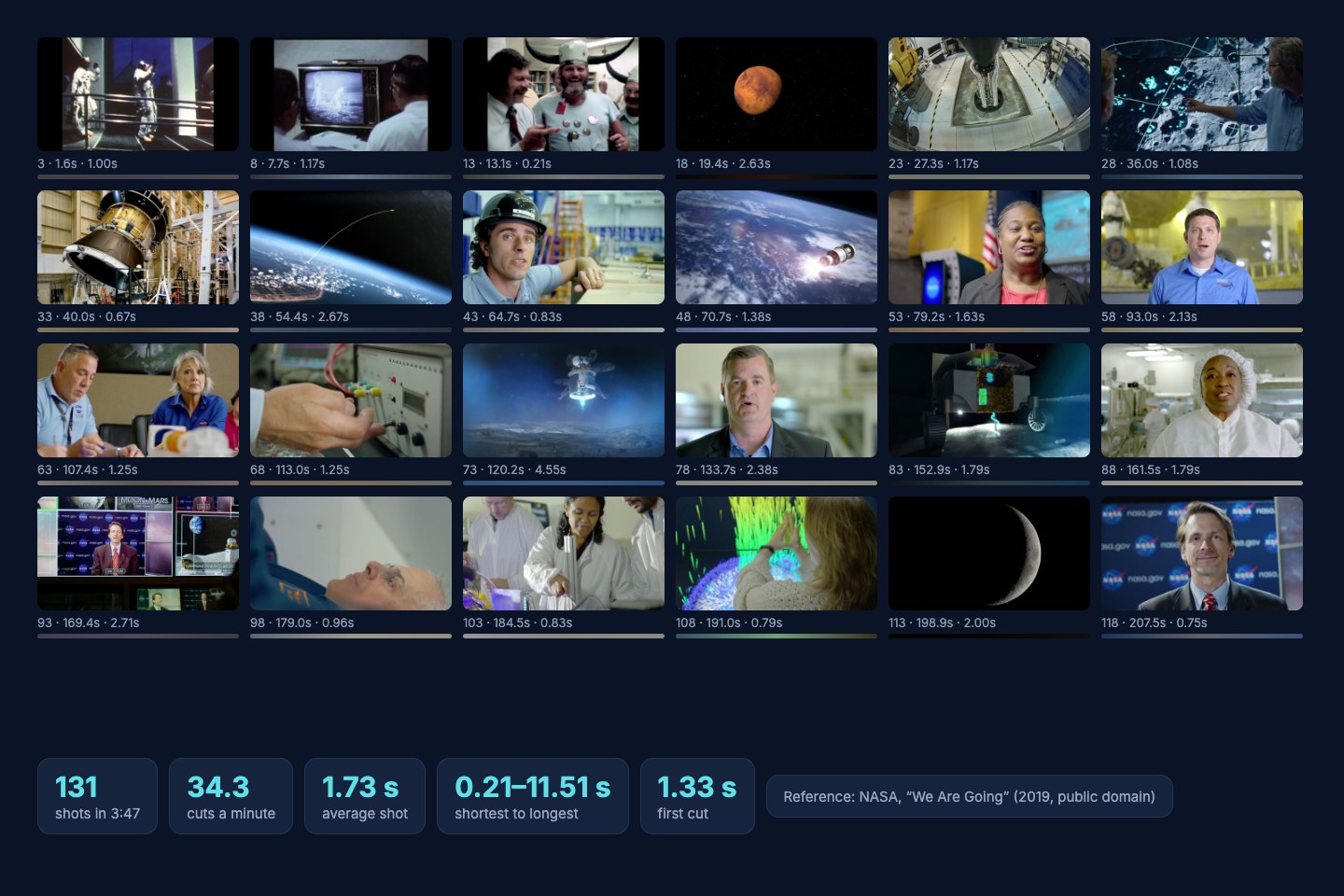
 Real output
Trim, reshape, compress, GIF, join: eleven everyday video jobs.
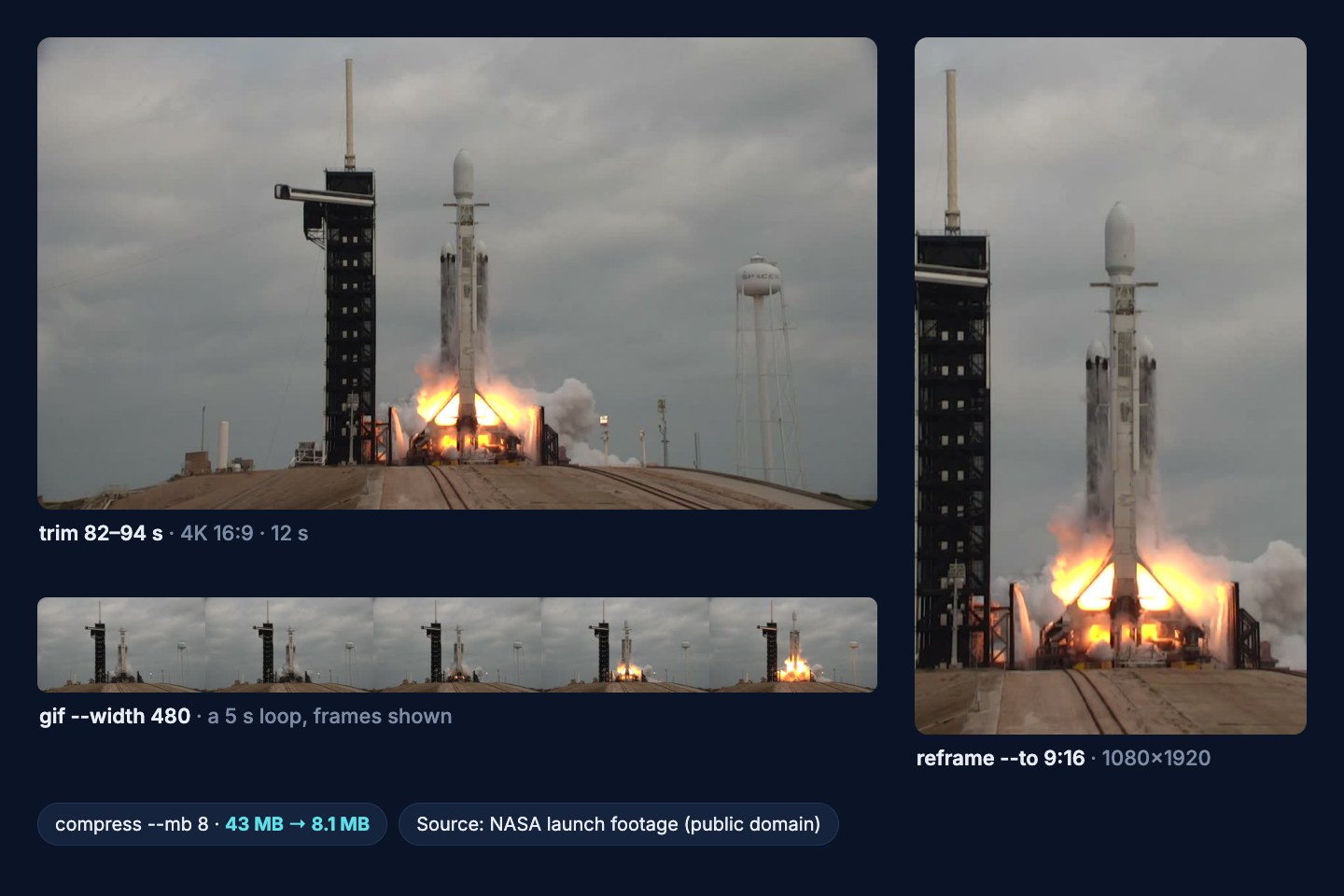 Real output
s from this tool on public-domain NASA launch footage: a 4K trim, a 9:16 crop, a GIF and a compressed copy.
Demo footage: NASA launch footage of the Psyche mission (public domain). NASA does not endorse these kits.
Overview
One command for each everyday job, run on your own machine with ffmpeg: trim, change shape to 9:16, 4:5, 1:1 or 16:9, compress to a target size, make a GIF, pull out or remove the audio, change speed, join clips, and make contact sheets or thumbnails. Your original file is never changed.
Example
Input
Any video file
Output
Video, GIF, audio
Process
Any video on your computer. Nothing is uploaded.
In plain words: make it vertical, get it under 25 MB, break this down.
A new file beside the original, which is never changed.
The download
You are buying skill files, not a service. The download is a folder Claude Code reads. It runs on your own computer, on your own files.
Instructions that tell Claude Code which command to use and which options suit the job.
One small Node script that drives ffmpeg. No packages to install.
Ready prompts to copy.
Two steps: move the folder, restart Claude Code.
Setup
# Unzip the download into your Claude Code skills folder.
$ unzip ~/Downloads/cutroom-skill.zip -d ~/.claude/skills/
# Restart Claude Code, then ask for the skill by name.
$ claude
There are no packages to install. It needs ffmpeg on your machine.
Technical
Not tested with other agents or editors, so we make no claim about them.
Licence
Full terms, including refunds: Licence, refunds & terms.
FAQ
A small folder: instructions for Claude Code and one script that drives ffmpeg. There are no packages to install.
No. Everything runs on your computer.
No. Every result is written beside the original with a new name.
It was built and tested on macOS. It needs only Node and ffmpeg, which exist on other systems, but that has not been tested.