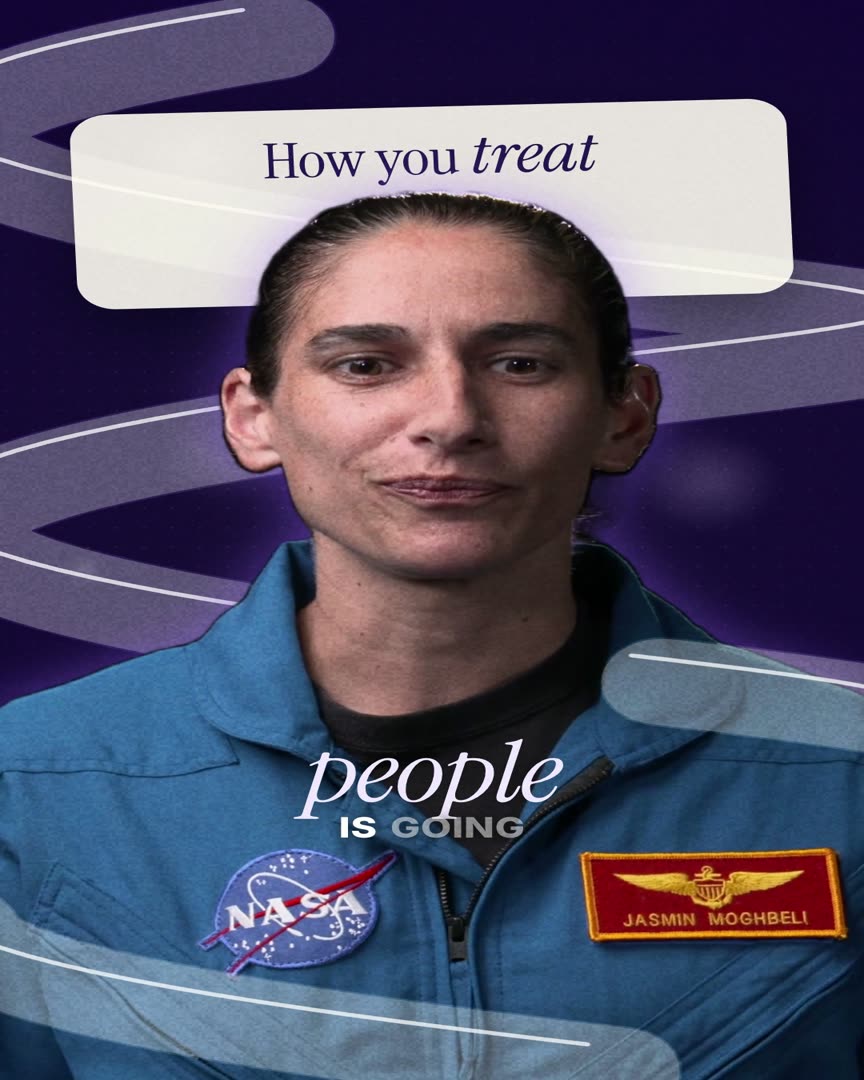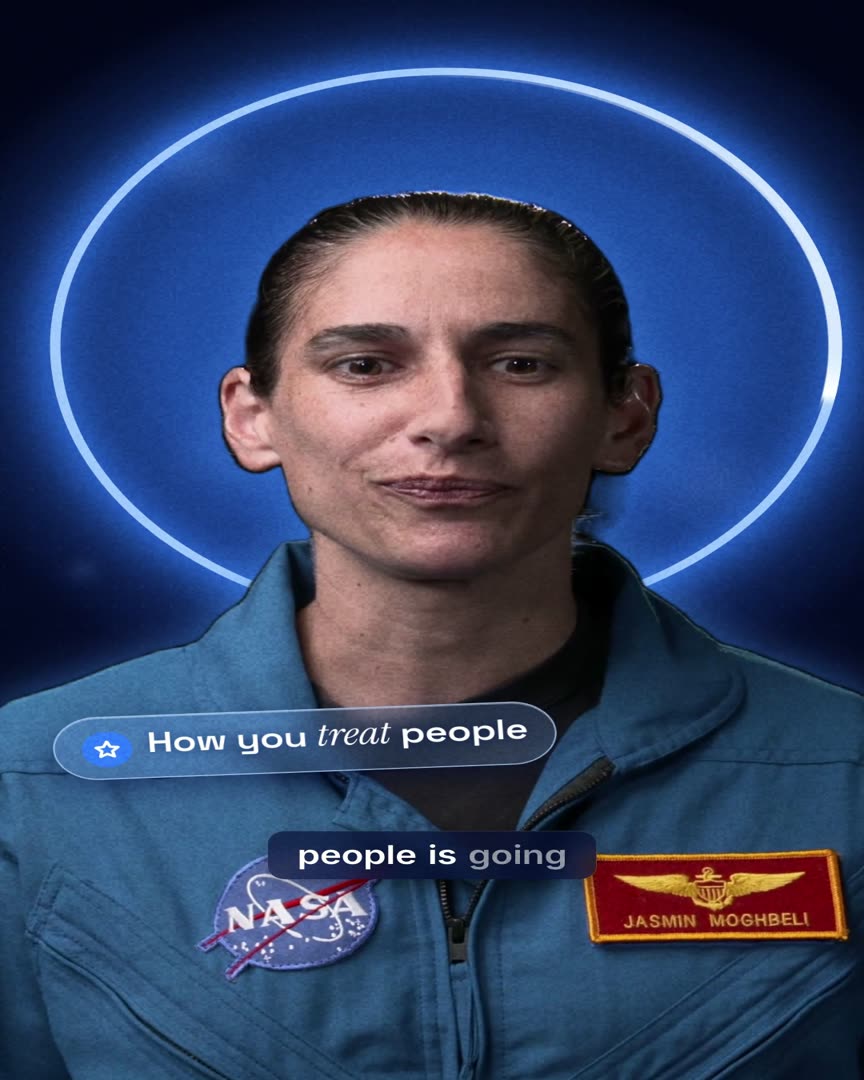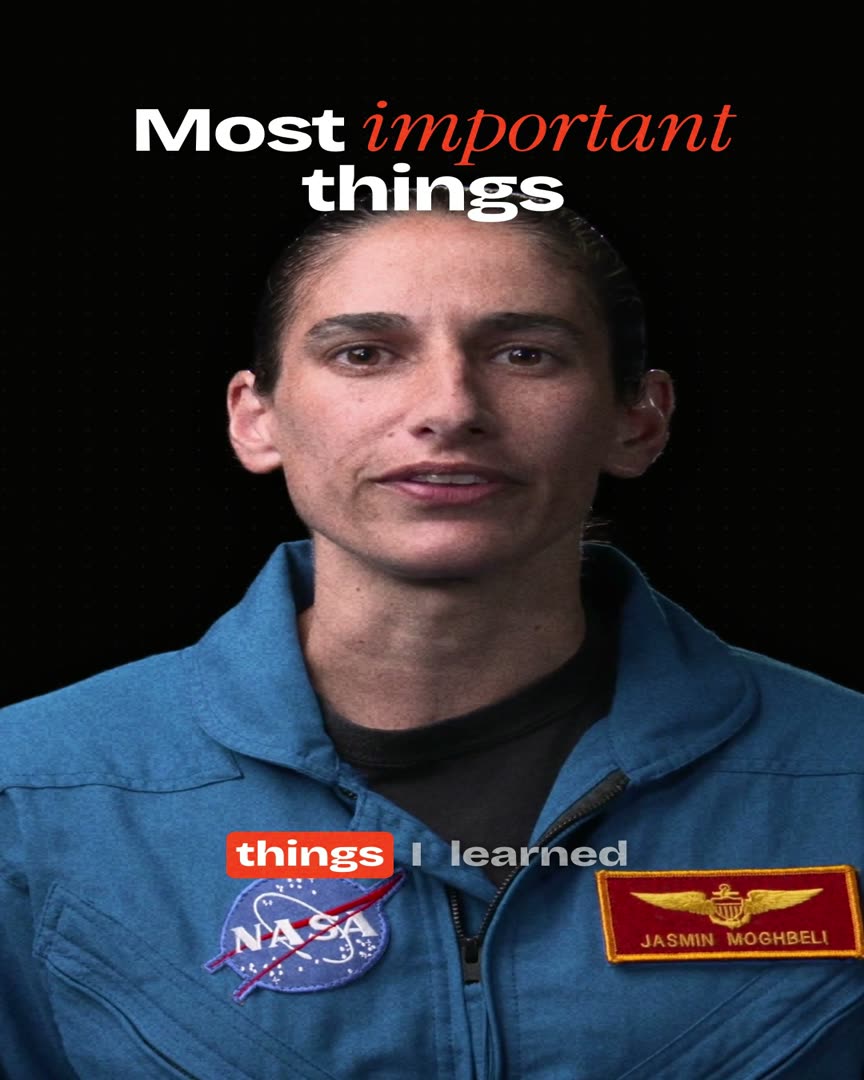
One long recording in. Several captioned vertical shorts out.
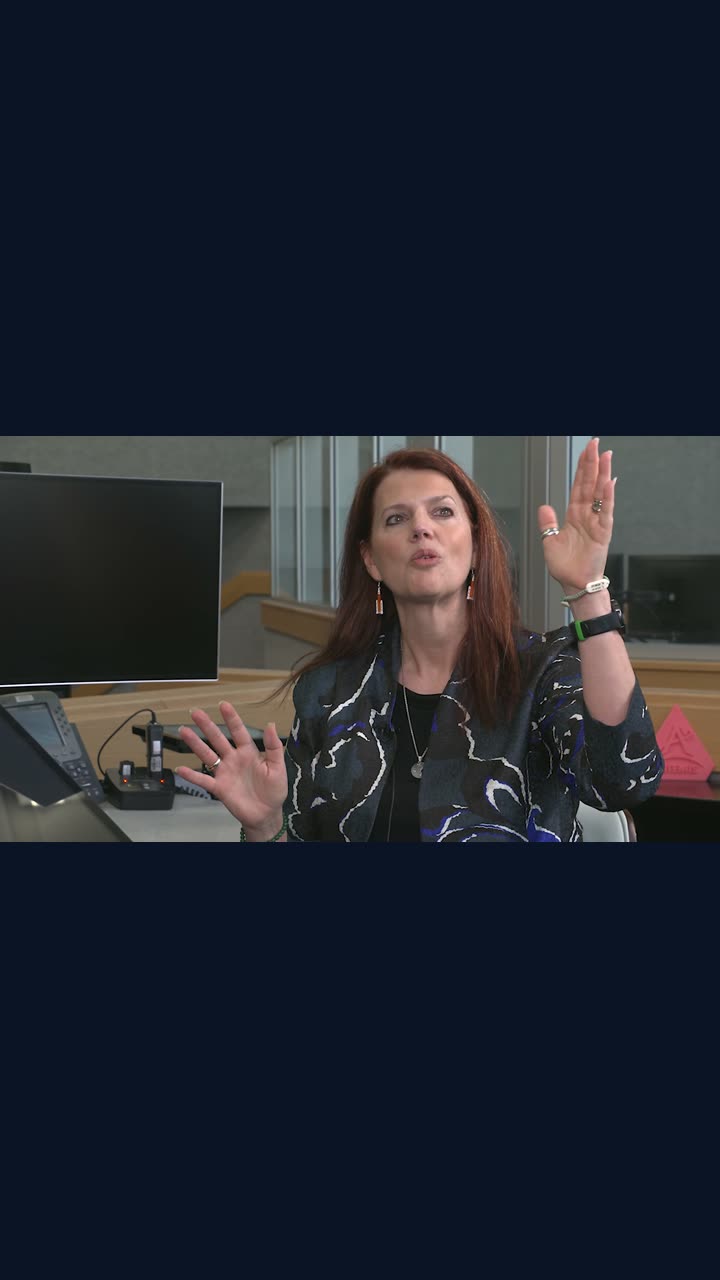 Before · raw clip
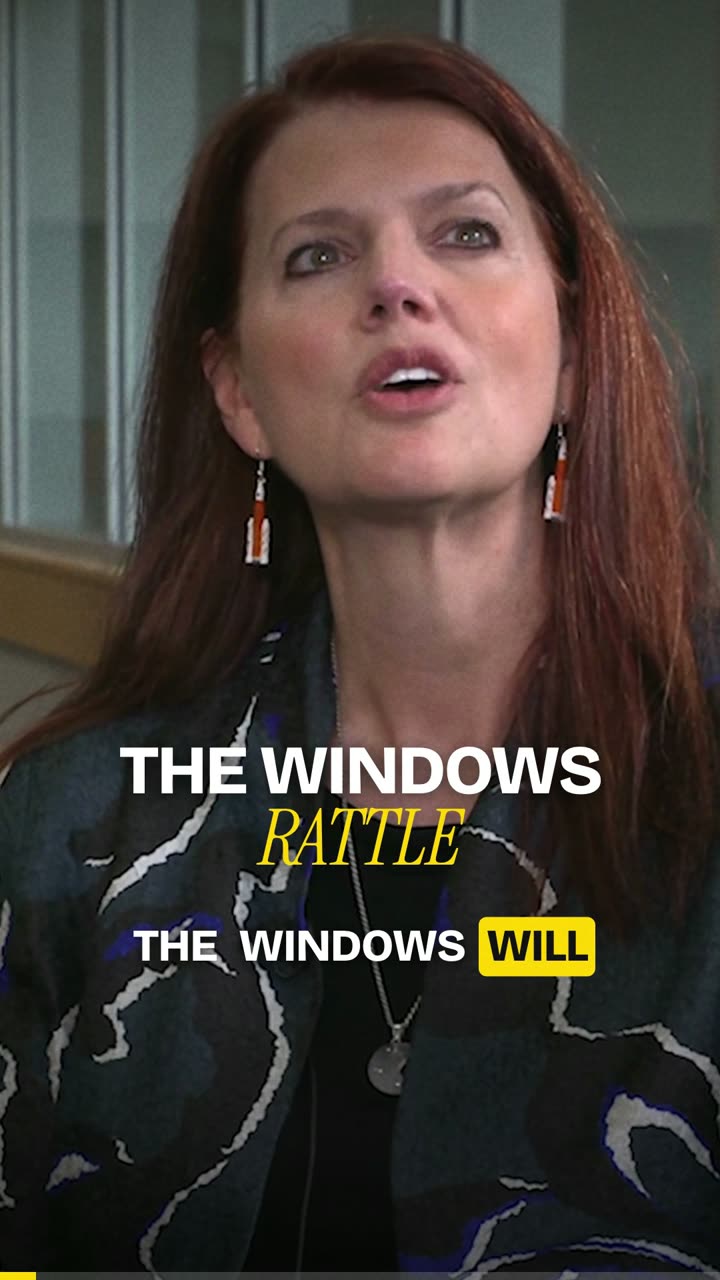 After · edited
Demo footage: NASA fireside chat with Artemis launch director Charlie Blackwell-Thompson and JoAnn Morgan (public domain). NASA does not endorse these kits.
Left: the raw clip that went in. Right: what this skill rendered from it.
Demo footage: NASA fireside chat with Artemis launch director Charlie Blackwell-Thompson and JoAnn Morgan (public domain). NASA does not endorse these kits.
Overview
Give it a podcast, interview, webinar or talk. Claude transcribes it, picks the strongest moments, crops each one to vertical around the speaker's face, removes the pauses, opens with a hook headline, adds word-by-word boxed captions and a progress bar, and renders each clip.
Example
Input
One long recording
Output
A finished MP4, 15–45s
Process
A clip of someone talking, short or long.
Claude fixes mis-heard words and shows you stills first.
Vertical, captioned, with text kept clear of app buttons.
The download
You are buying skill files, not videos. The download is a folder Claude Code reads. The videos are what you make with it, and they are yours.
Step-by-step instructions Claude Code follows, including how to choose and frame a clip.
Transcription, face-centred reframing, pause removal and a Chrome renderer assembled with ffmpeg.
Karaoke, boxed and pill captions, timed to every word.
Ready prompts to copy.
Install, an example plan, and finishing in your editor.
Setup
# Unzip the download into your Claude Code skills folder.
$ unzip ~/Downloads/clipper-skill.zip -d ~/.claude/skills/
# Install its dependencies. This runs once.
$ cd ~/.claude/skills/clipper && npm install
# Restart Claude Code, then ask for the skill by name.
$ claude
The first run downloads what it needs (dependencies, a speech model of about 150 MB) and builds a small Apple Vision tool, which needs Apple's command line tools: xcode-select --install
Technical
Not tested with other agents or editors, so we make no claim about them.
Licence
Full terms, including refunds: Licence, refunds & terms.
FAQ
A folder of skill files: instructions for Claude Code, the render engine and guides. You do not download videos. The videos are what you make with it, from your own recordings.
It was built and tested on macOS. Finding the speaker's face to centre the crop uses Apple Vision; without it the clip is centre-cropped, or you set the crop yourself.
Transcription uses Whisper, running on your machine. It is good but not perfect, which is why the skill has Claude correct mis-heard words before it renders, and shows you stills first.
Use recordings you own or have the right to publish. The kit will not remove watermarks.